Notes scroll in.
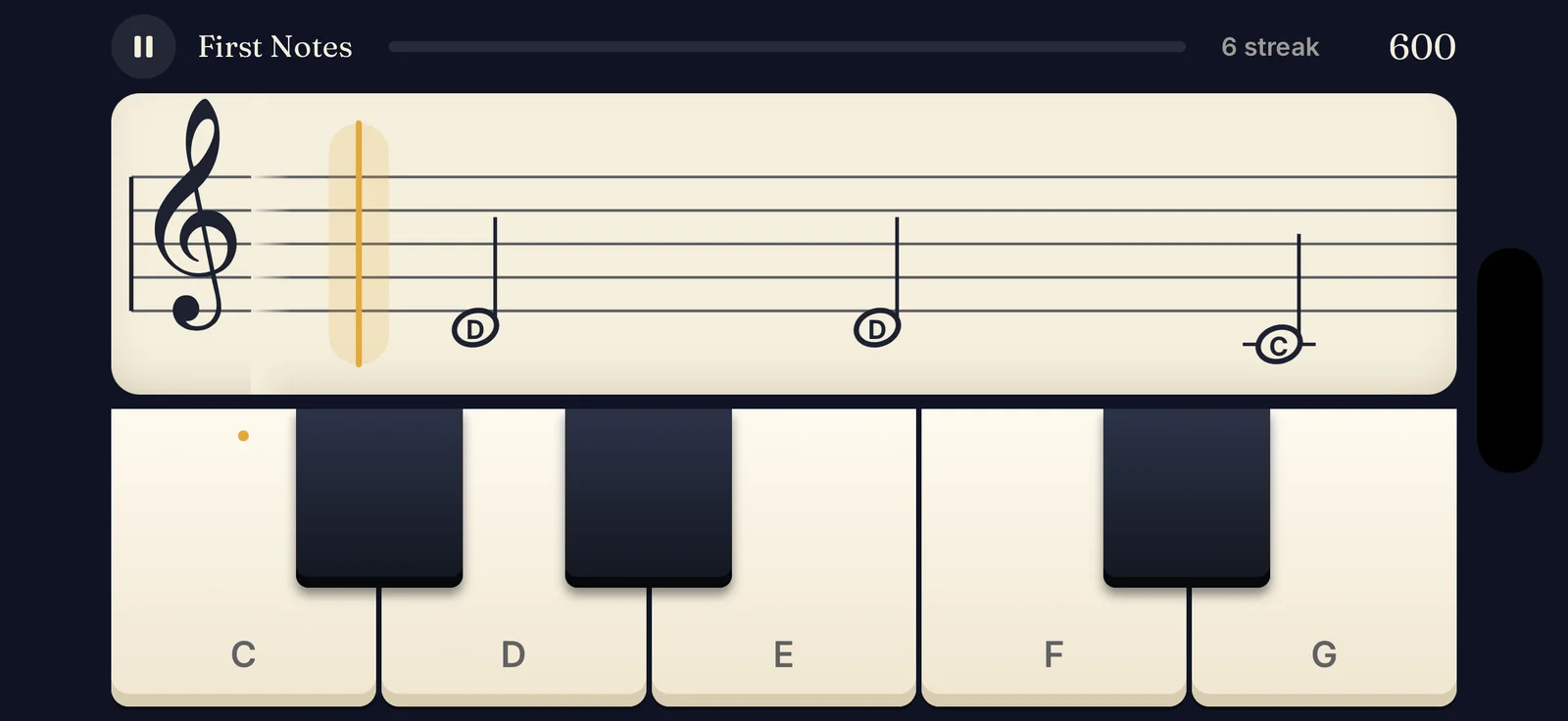
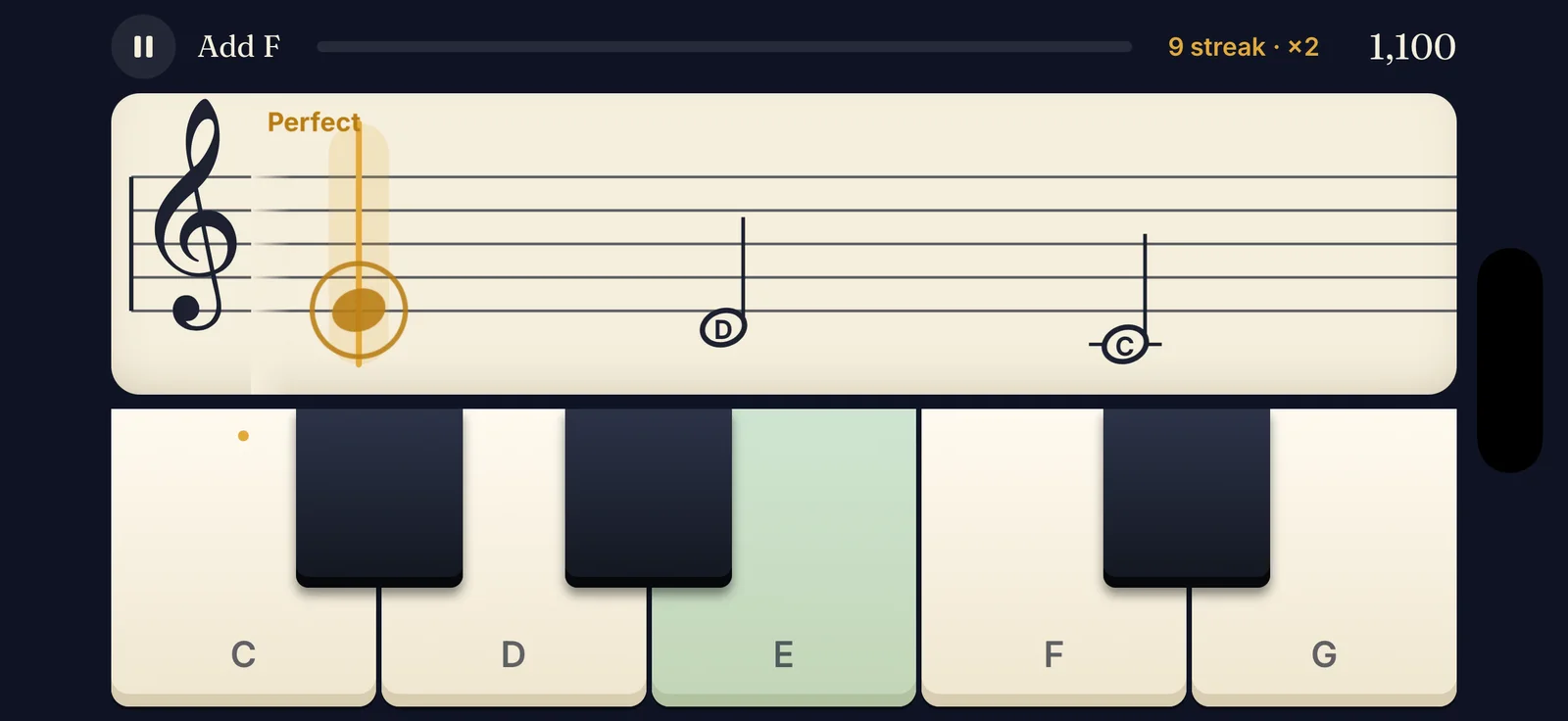
Every note travels toward the gold line, one beat at a time. Early stages show the note names to help you along.
Learn to read piano notes
Notes scroll toward a gold line. Tap the matching key as each one lands. Staff Quest turns reading sheet music into a game you actually want to replay.
How it works
Every note travels toward the gold line, one beat at a time. Early stages show the note names to help you along.
Tap the right piano key just as the note lands. Land it cleanly for a Perfect and build a streak that multiplies your score.
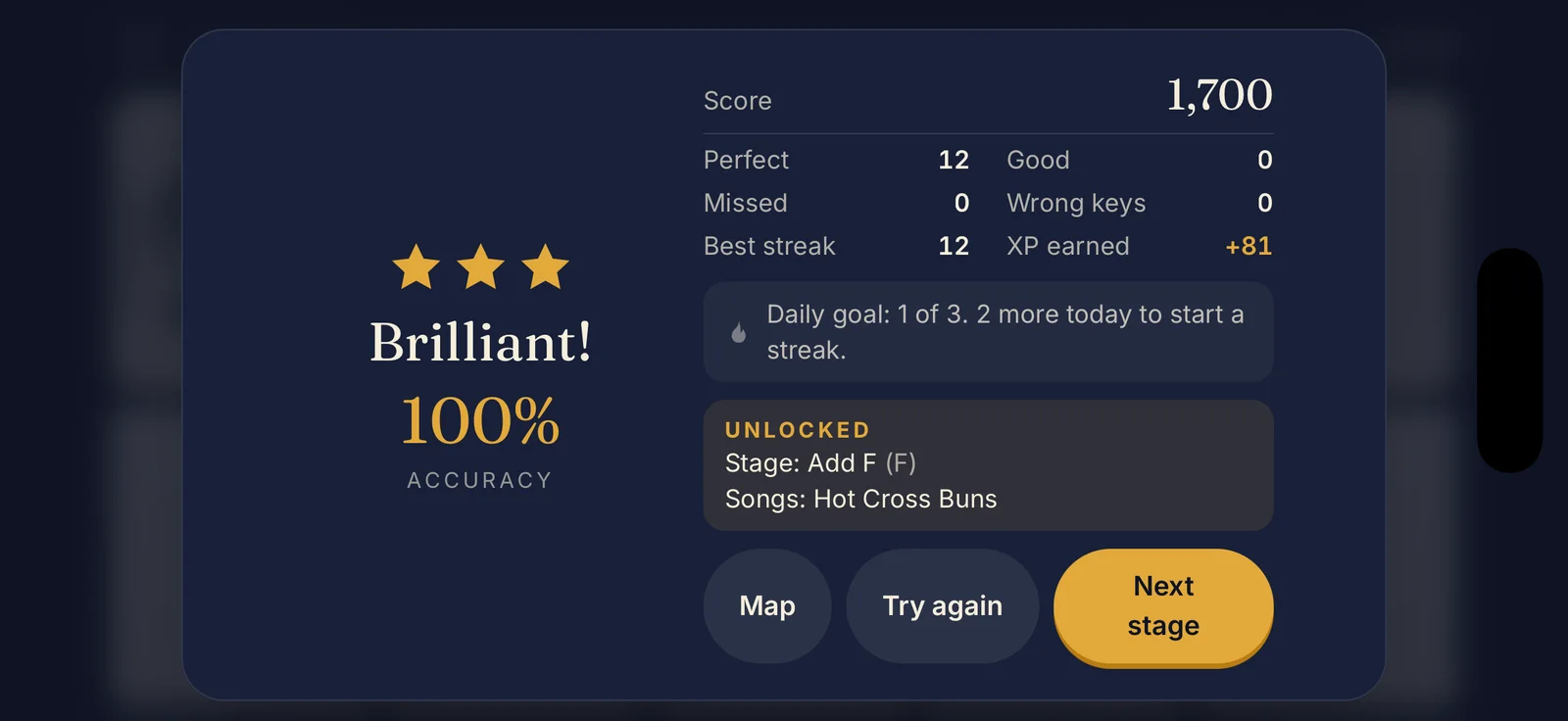
Finish with stars to open new notes, faster tempos, the bass clef and songs. Miss a note and the right key lights up so you learn from it.
What's inside
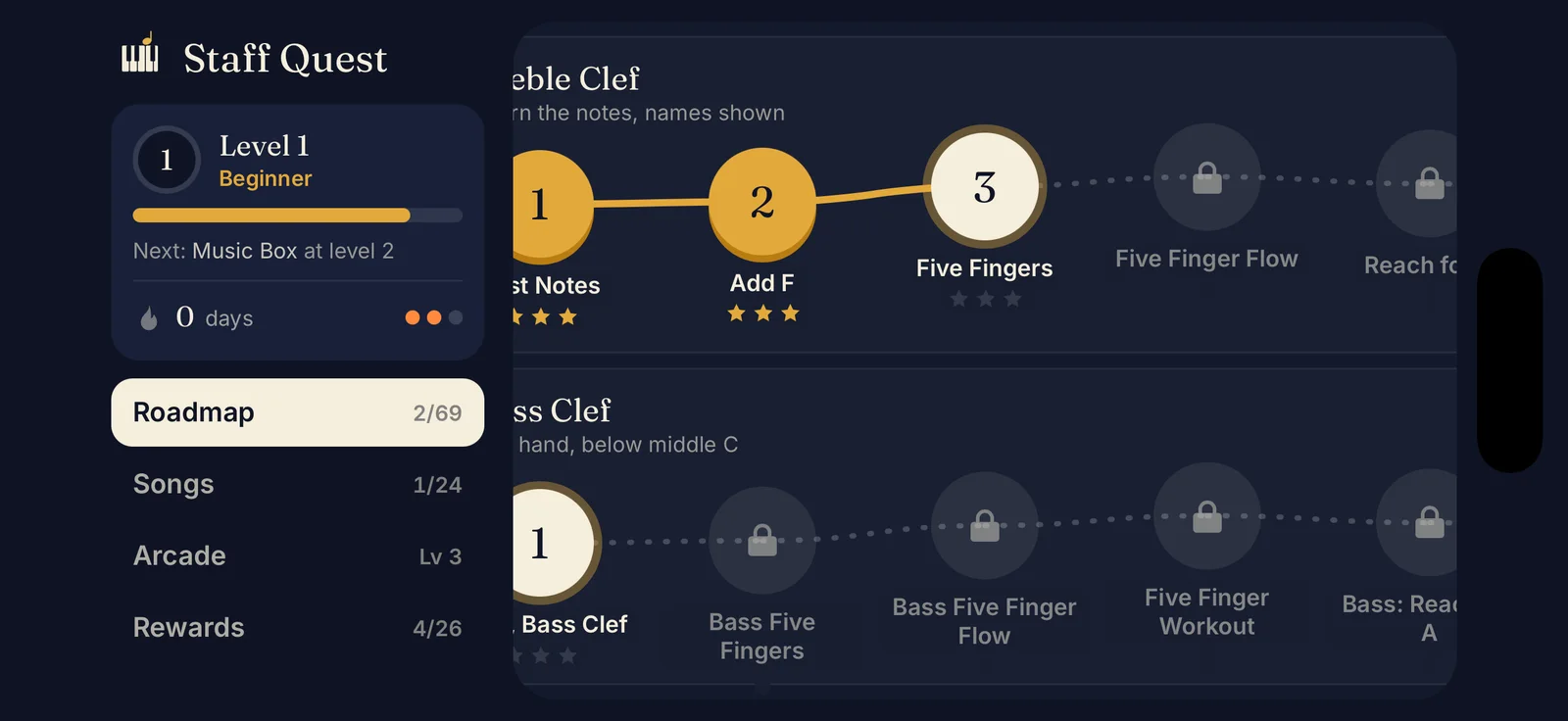
Start on treble, bass, or both at once. The two paths run side by side and meet at the grand staff, then lead on to sharps and flats.
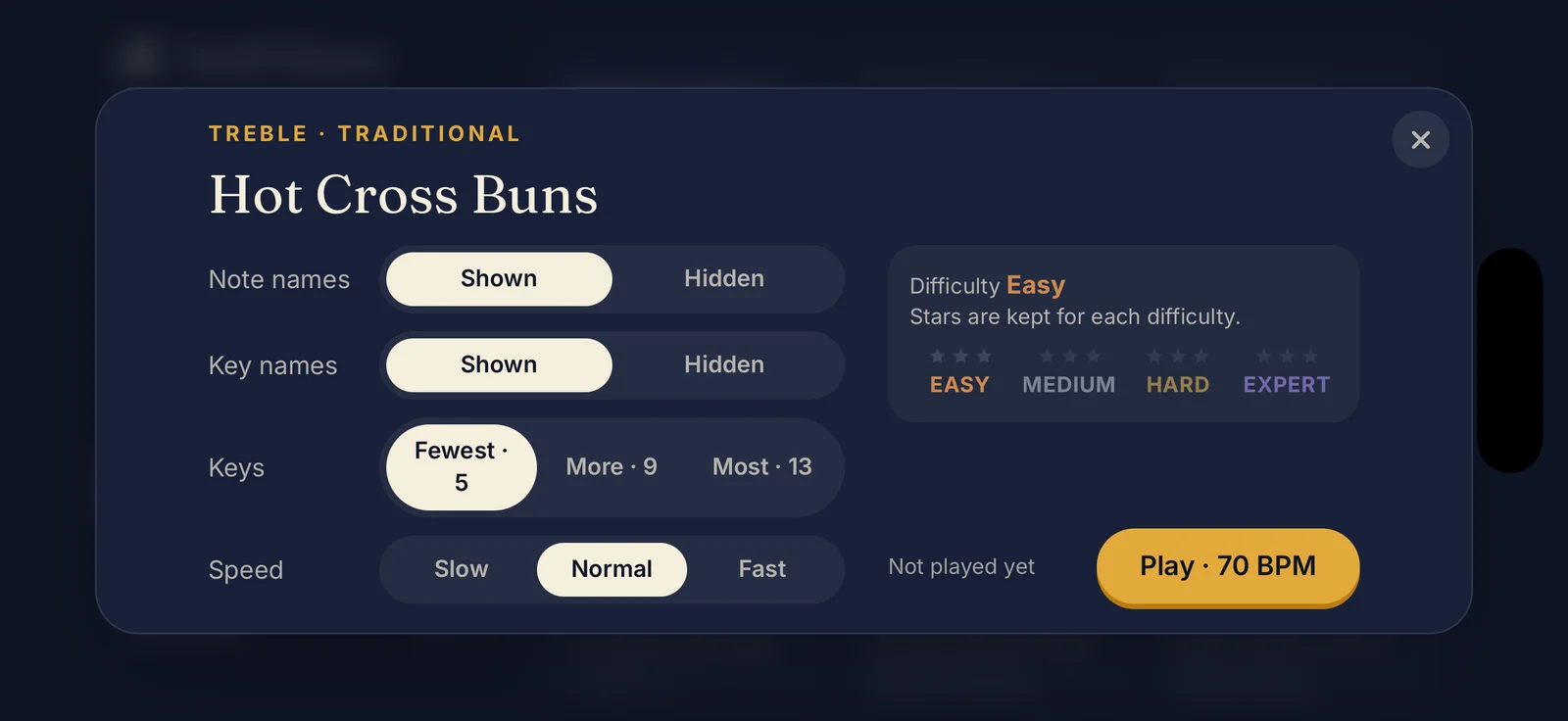
Hide the names, shrink the keys, speed it up. Each setting nudges the difficulty from Easy to Expert, and your stars are kept for every level.
The tempo keeps climbing. Share a code and a friend plays the exact same notes. Beat their run.
A small daily goal keeps your streak burning, and streak freezes cover the odd missed day.
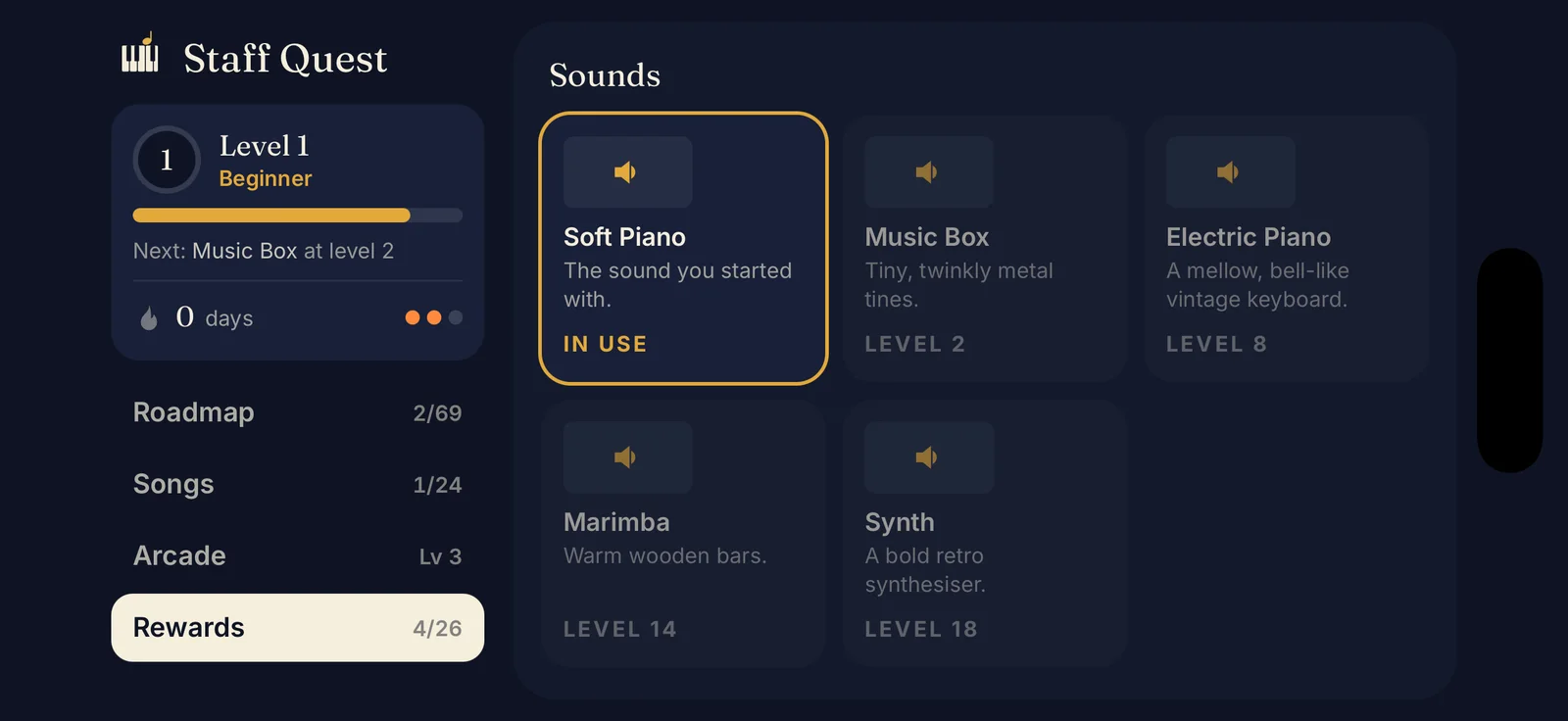
Unlock a music box, an electric piano, a marimba and more as you earn XP.
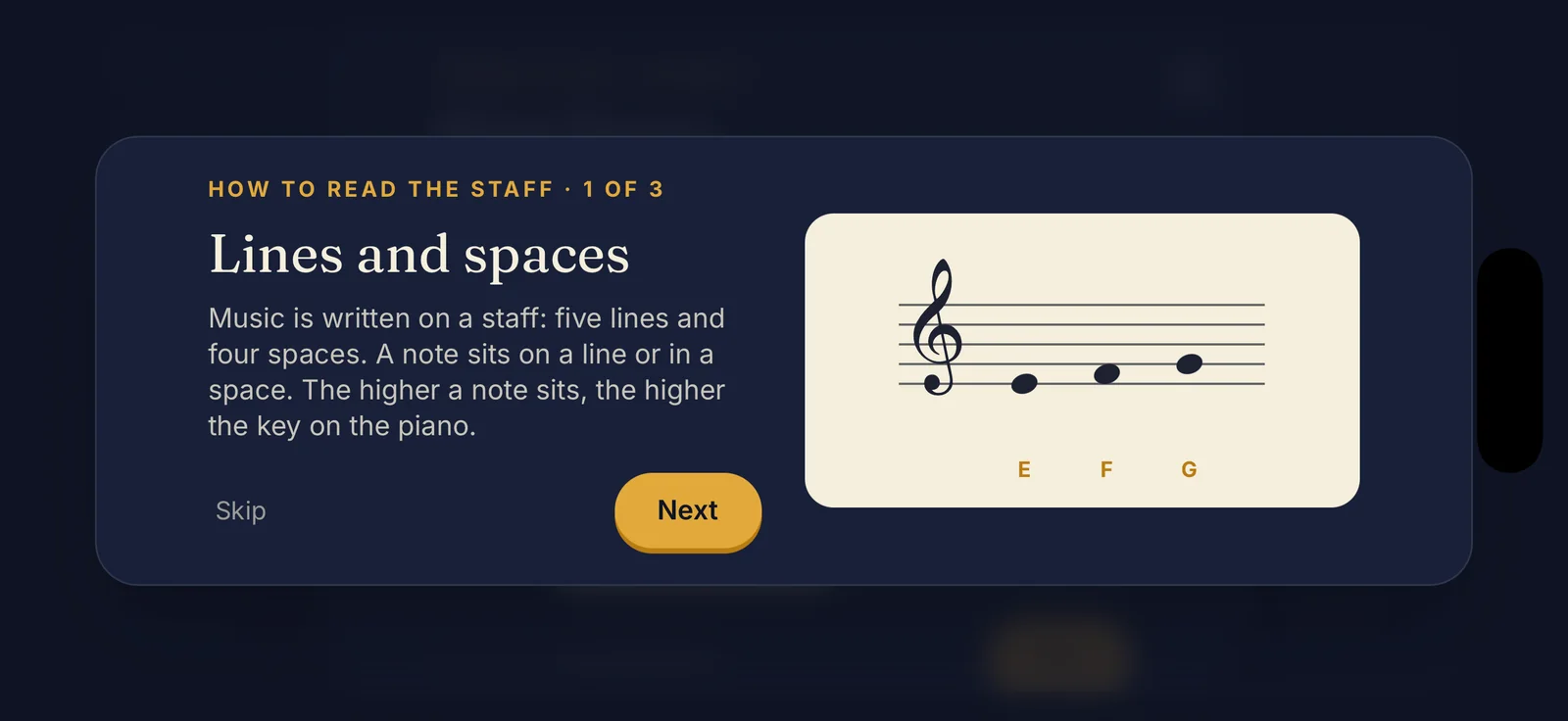
The first time you meet the staff, middle C, the bass clef or a sharp, a quick pictured lesson explains it. Then you get straight back to playing.
Tap any locked stage and take its test. Two stars and you skip everything before it.
Training wheels
Early stages label every note. As you get faster, the labels fade away until it is just you and the staff. Drag the slider to feel it.
A game that teaches you to read sheet music on the piano. Notes scroll toward a gold line and you tap the matching key in time. Stars unlock new notes, faster tempos, the bass clef, sharps and flats, and songs.
No. You play by tapping the on-screen piano keys, so all you need is your iPhone.
Yes. Everything the game needs is built into the app, so you can play anywhere.
No. There are no accounts and no sign-up. Your progress is saved on your device, and you can back it up with a code from Settings.
Staff Quest does not collect personal data, show ads or use analytics. Read the full details in the privacy policy.
Anyone aged 13 and up who wants to learn to read music, from complete beginners to people brushing up. If you already read music, you can take a test to skip ahead.
iPhone, in landscape for play. Menus work in portrait.
Soon. The App Store release is being finished now. Check back here for the link.
Coming soon to iPhone
Staff Quest is heading to the App Store. Check back soon for the link.
Back to the top